Company Activities
The Company Activities menu offers a centralized overview of system and user actions within the organization. It enables monitoring, traceability, and review of activities across the platform.
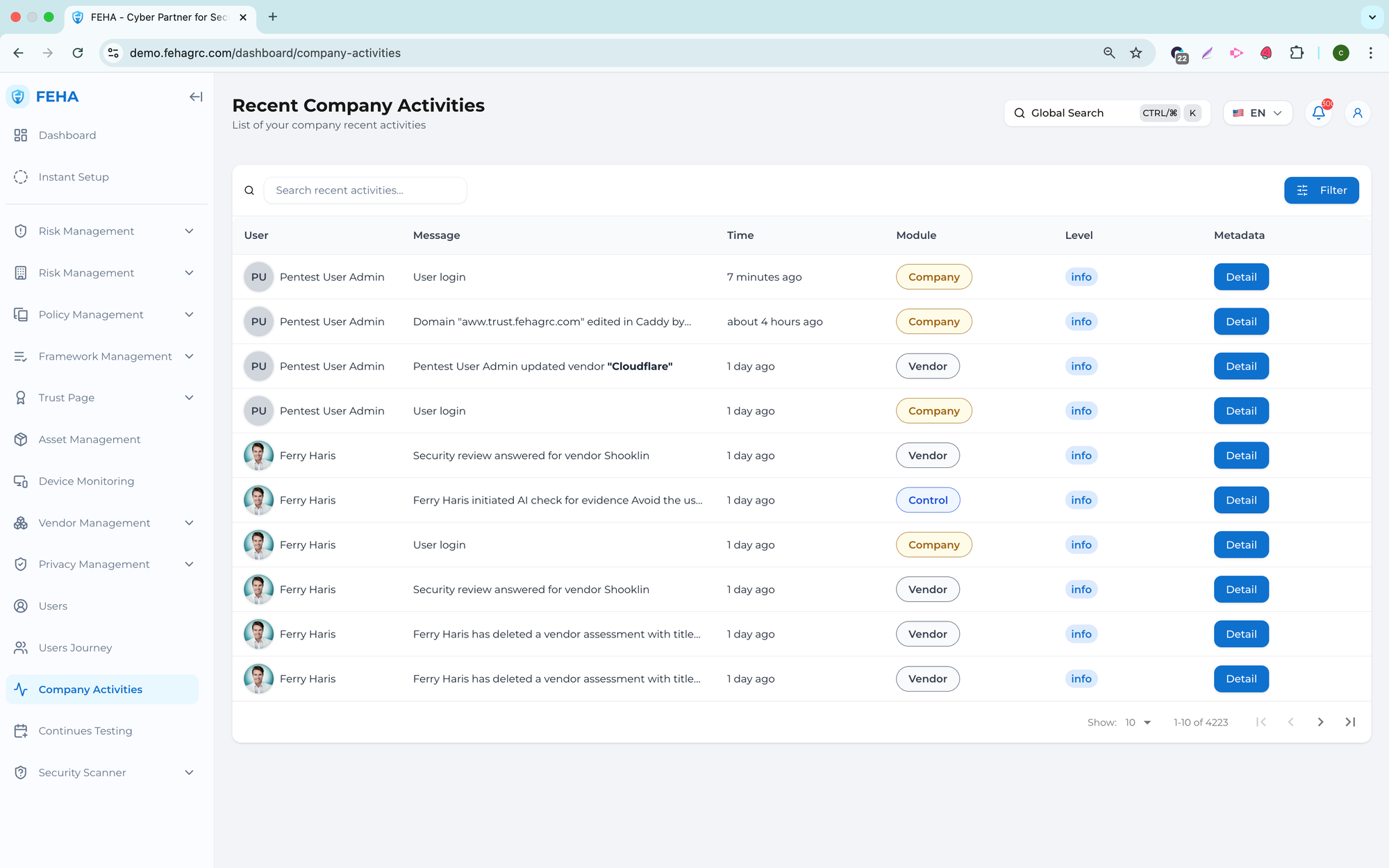
Searching Activities
This section outlines how to search for specific activities.
- Open the Company Activities page.
- Select the Search Recent Activities field.
- Enter a keyword.
- Review the list of activities that match your search.
Viewing Activity Metadata Details
This section explains how to view detailed metadata for an activity.
- Open the Company Activities page.
- Select Details on the relevant activity row.
- Review the metadata for the selected activity.
Note: Metadata offers additional context, including time and action type.
Filtering Activities
This section explains how to filter activities using available criteria.
- Open the Company Activities page.
- Select Filters.
- Select the required filter values.
- Review the list of activities that meet the selected criteria.